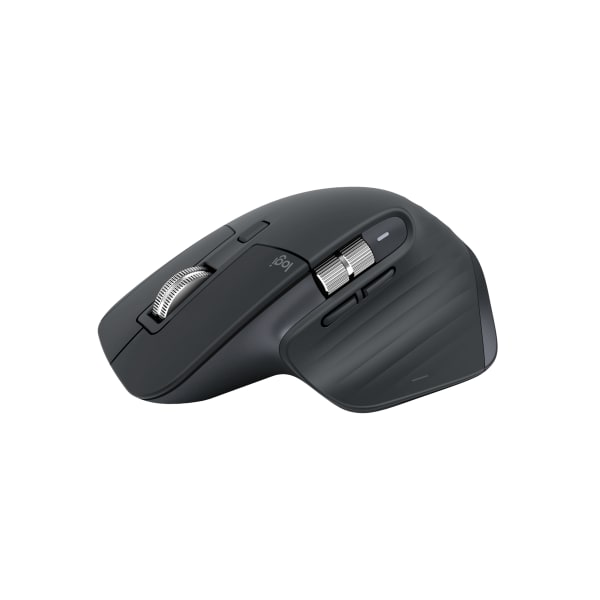
Logitech / 910-006557
Logitech 910-006557 MX Master 3S wireless mouse, 8K DPI, quiet clicks, graphite
Priced by quote

Department
Keyboards, mice, docks, chargers, monitor arms and the everyday technology on a working desk.
Thunderbolt docks drive more displays at higher refresh rates. USB-C docks are cheaper and work across more laptops. Check what your laptop's port supports.
A charger below the laptop's rated wattage charges slowly or not at all under load.
A monitor arm puts the screen at eye height, and a full-size keyboard and mouse reduce wrist strain for people at a desk eight hours a day.
Keyboards, mice and trackballs for desks that get used all day.
Logitech / 910-006557
Priced by quote
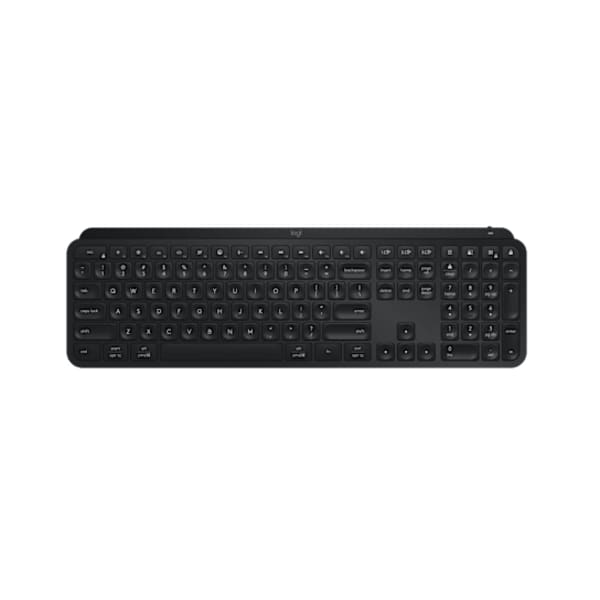
Logitech / 920-011406
Priced by quote
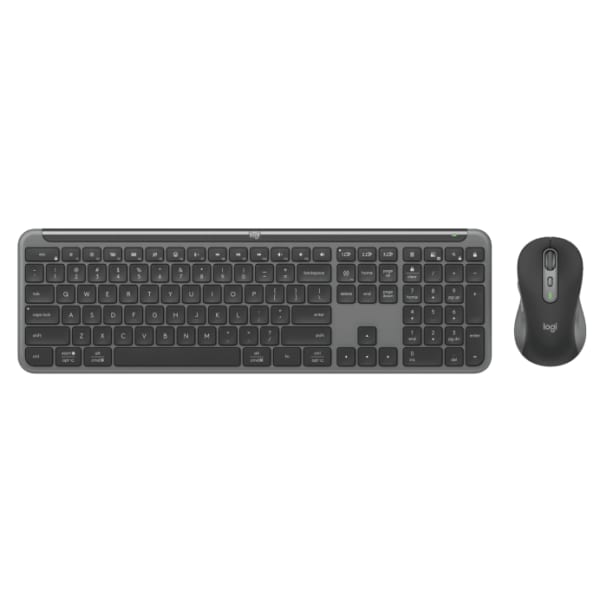
Logitech / 920-012427
Priced by quote
Stream Decks, 3D mice and editing controllers that put shortcuts under your hand.

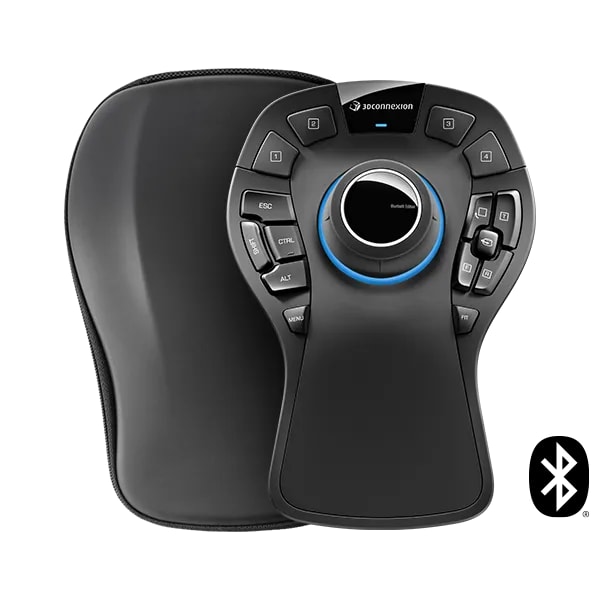
3Dconnexion / 3DX-700119
Priced by quote
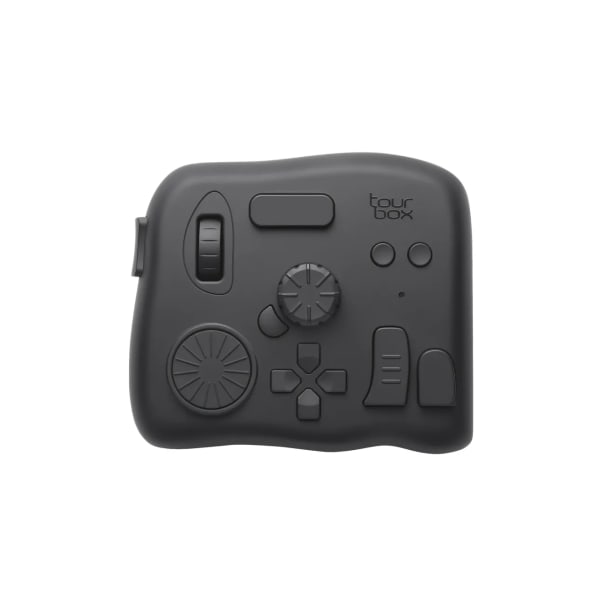
TourBox / TourBox Elite
Priced by quote

3Dconnexion / 3DX-700056
Priced by quote
Thunderbolt and USB-C docks that turn one cable into a full desk: displays, Ethernet and charging.
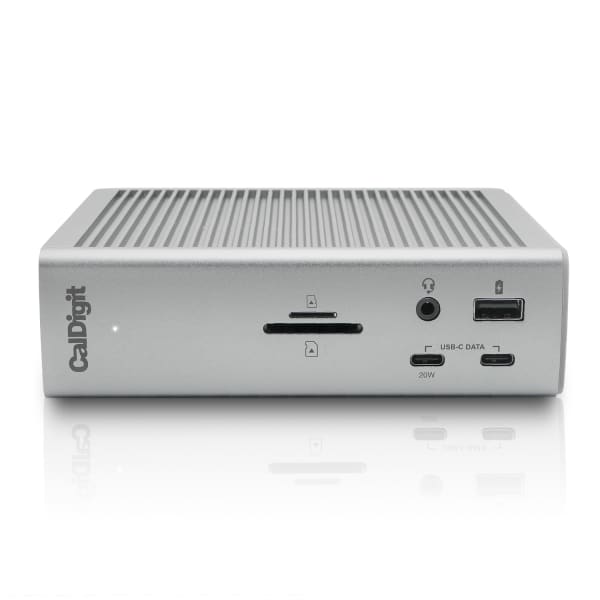
CalDigit / TS4-US
Priced by quote

Dell / WD25TB4
Priced by quote
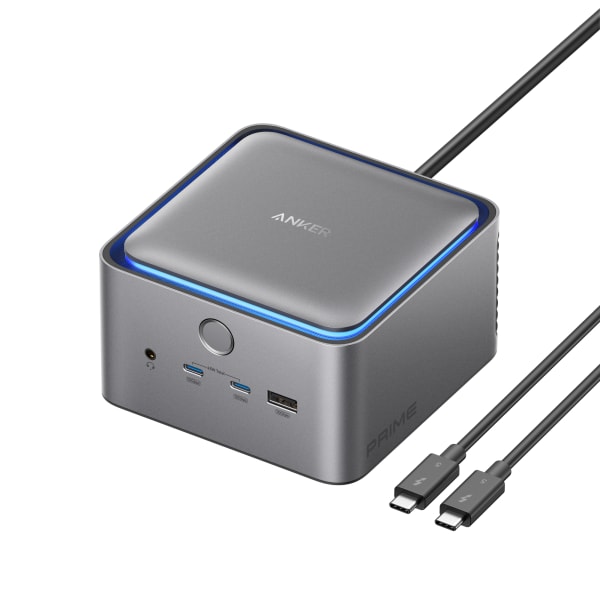
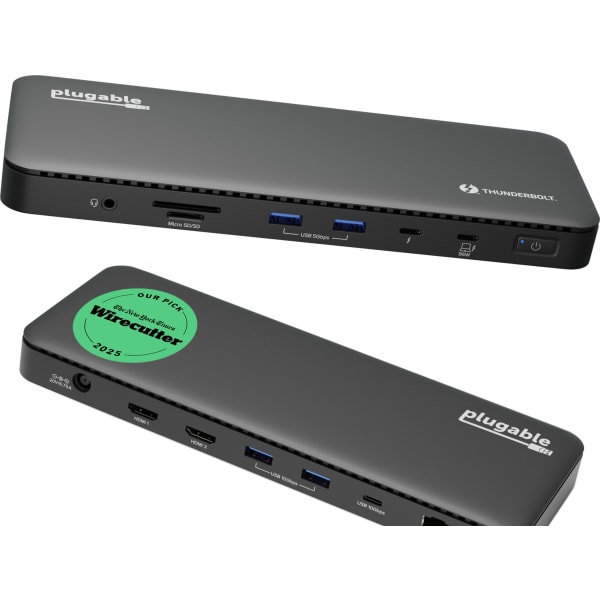
Plugable / TBT4-UD5
Priced by quote
Travel hubs and video adapters for a laptop bag.
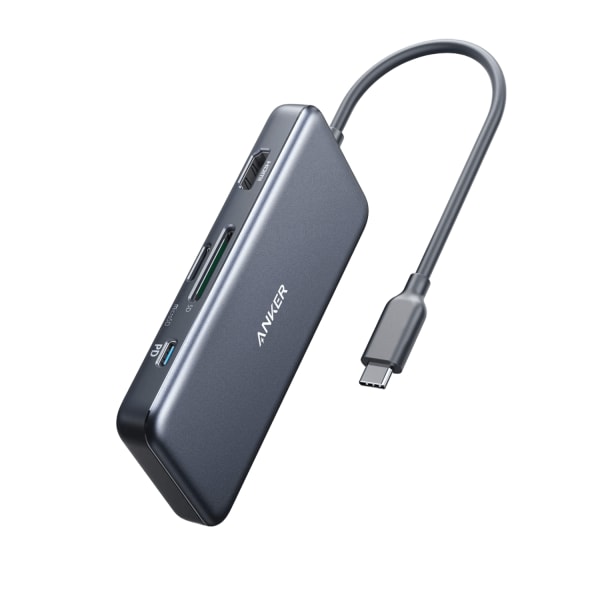
Anker / A8346
Priced by quote

Satechi / ST-P6SM
Priced by quote
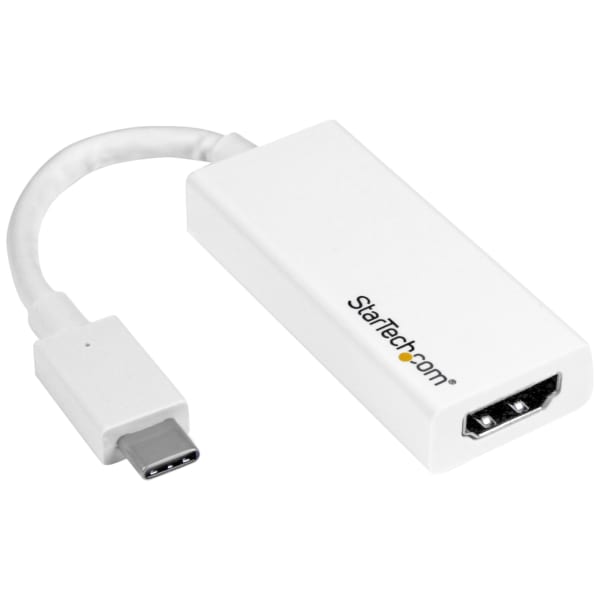
StarTech.com / CDP2HD4K60W
Priced by quote
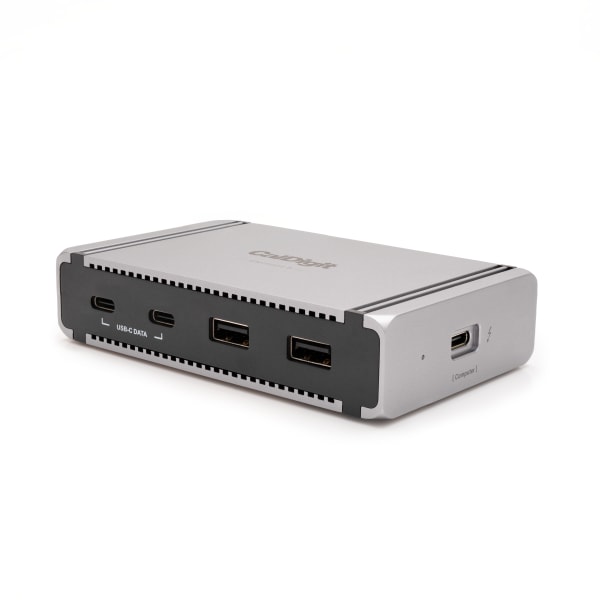
CalDigit / TBT5-Element5-US
Priced by quote
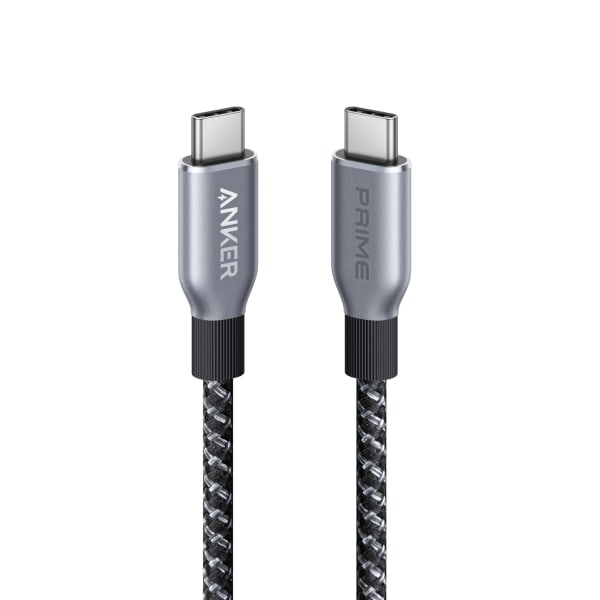
USB-C chargers, charging stations and cables for laptops, phones and shared desks.
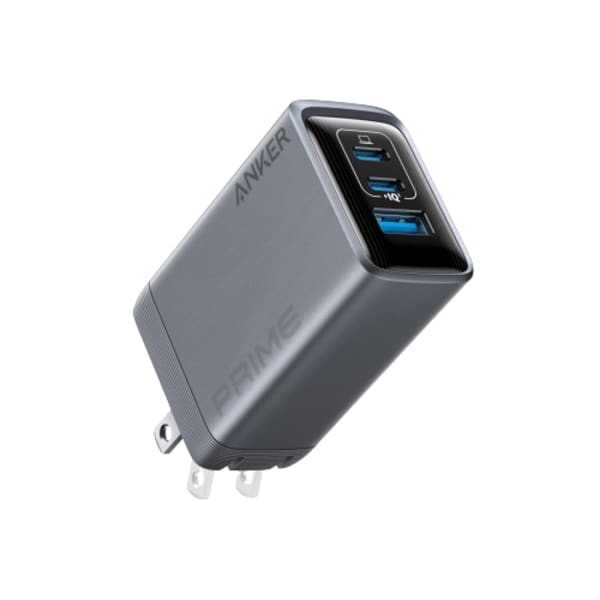

Belkin / WCH010dqWH
Priced by quote

Single and heavy-duty monitor arms that free up the desk and fix the angle.
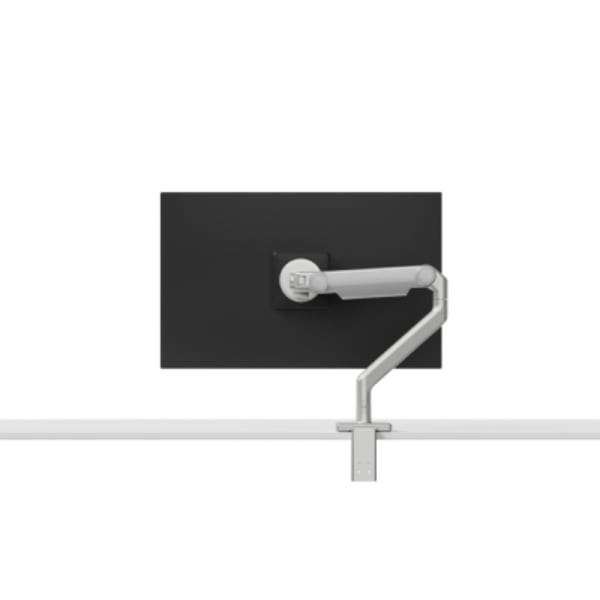
Humanscale / M21BTSC
Priced by quote
Ergotron / 45-475-224
Priced by quote
Ergotron / 45-241-026
Priced by quote
Key lights, e-paper dashboards, laptop bags, locks and comfort for a working desk.


TRMNL / TRMNL (OG)
Priced by quote

Targus / TBB617GL
Priced by quote

Kensington / K65020WW
Priced by quote
A different model, a larger quantity, or a complete setup. Start with what you know and we’ll help source it.
Build a accessories & essentials quote →